A menu organised around your workflow
Group dishes, coffee, drinks and other products into categories. Your team uses a shared catalogue instead of looking for the same information in separate lists.


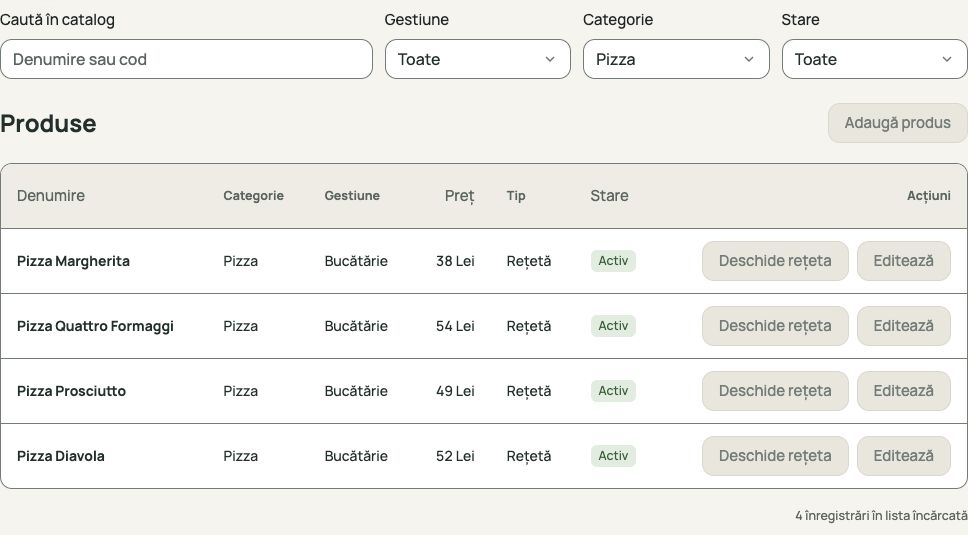
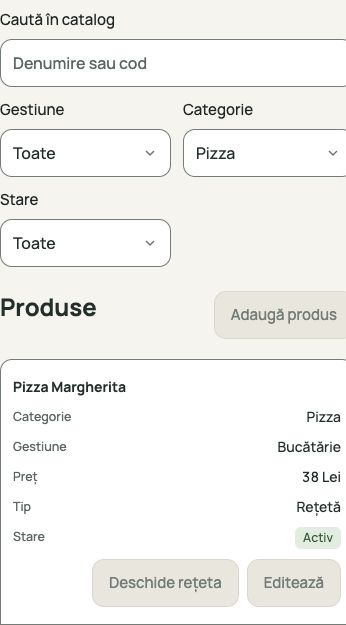
Products and prices are organised by category in your team’s catalogue. Find a product, check its price and access management in a browser too.


The image could not load. You can reload the page to view it.
Group dishes, coffee, drinks and other products into categories. Your team uses a shared catalogue instead of looking for the same information in separate lists.
Search by name or code and narrow the list by category, stock area or status. Review the price, product classification and access to its recipe from the catalogue.
Sign in from a computer, tablet or phone and work with your venue’s information. Web management does not require installing the application on every device.
This is the venue’s internal catalogue, used by the team for sales and management. The products and categories shown here belong to that workflow.
You can open a product’s recipe from the catalogue. Configured ingredients and quantities connect products sold with the consumption tracked in inventory.
Yes. During the demonstration, we discuss your products, categories and stock areas. This page shows demonstration data with Pizza selected.
Leave your phone, venue name and business tax ID. We will show you how products and categories are organised in RostPos.